01
Open the employee profile
Start from the employee directory and open the existing employee record you need to change. Entering through the correct profile ensures you update the right person and preserve the existing employment history.
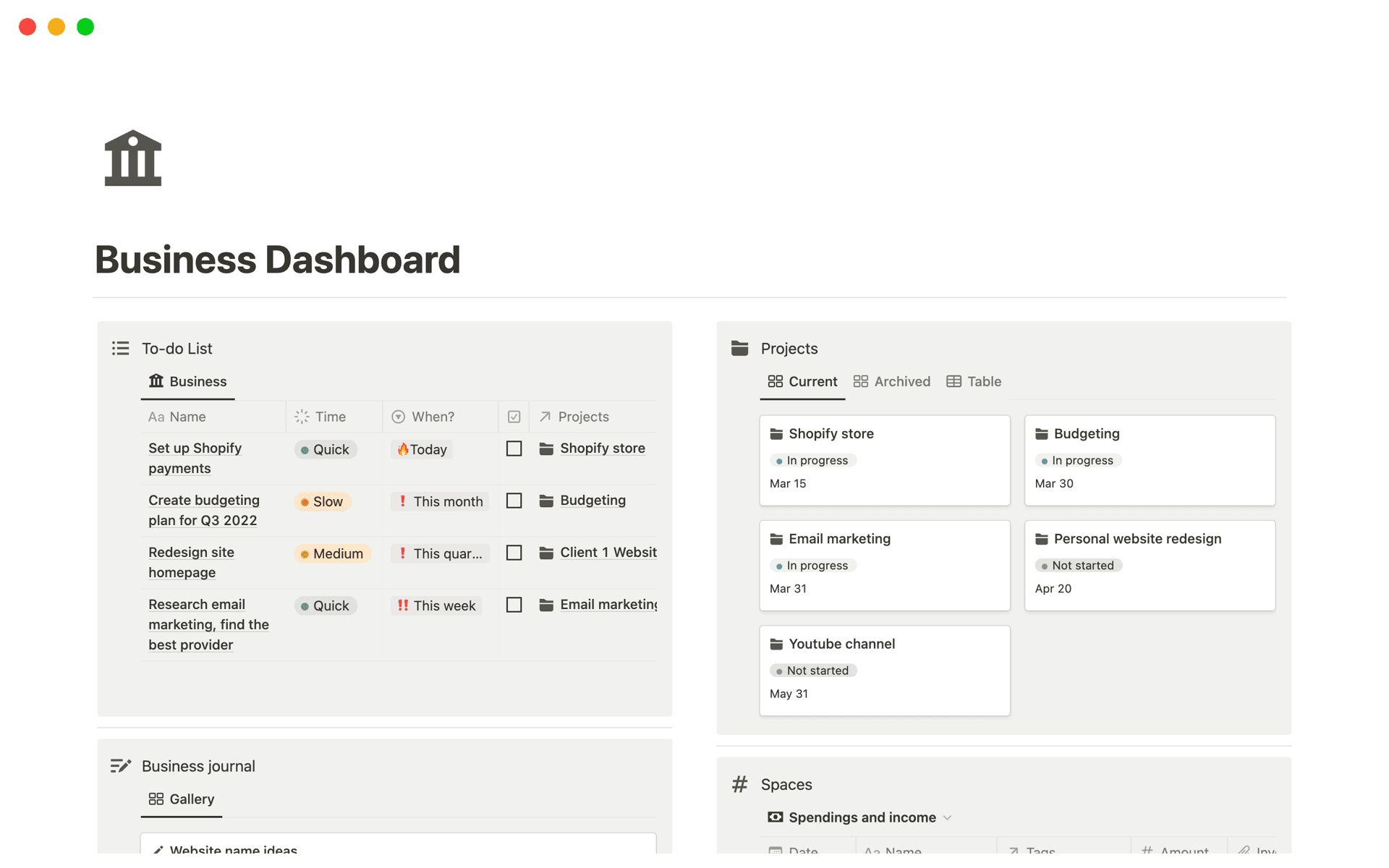
What to do on this screen
- Go to the employee management section from the main HRM menu.
- Search or filter to find the employee record you need to update.
- Open the employee profile or choose the edit action.